 Extension Manager
 | |
|
|
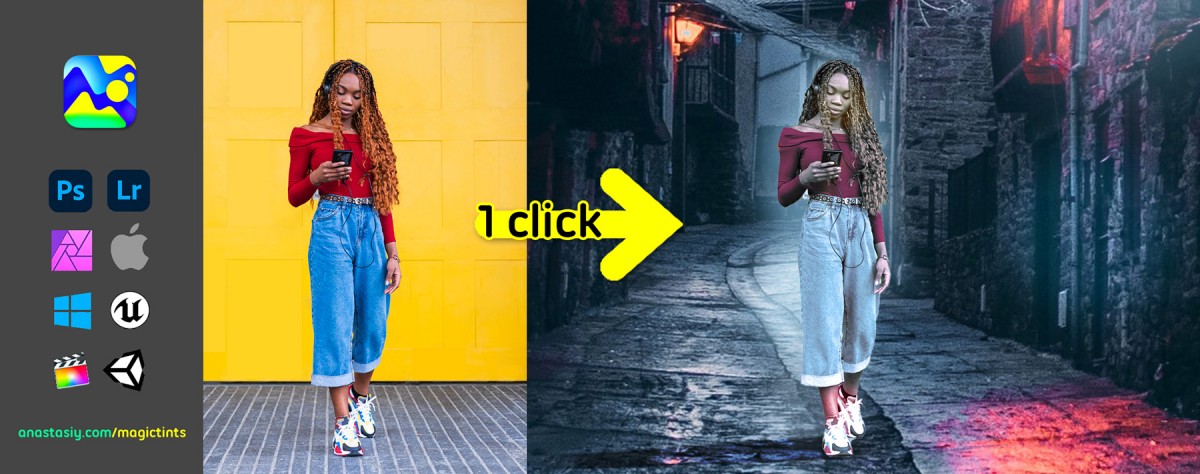
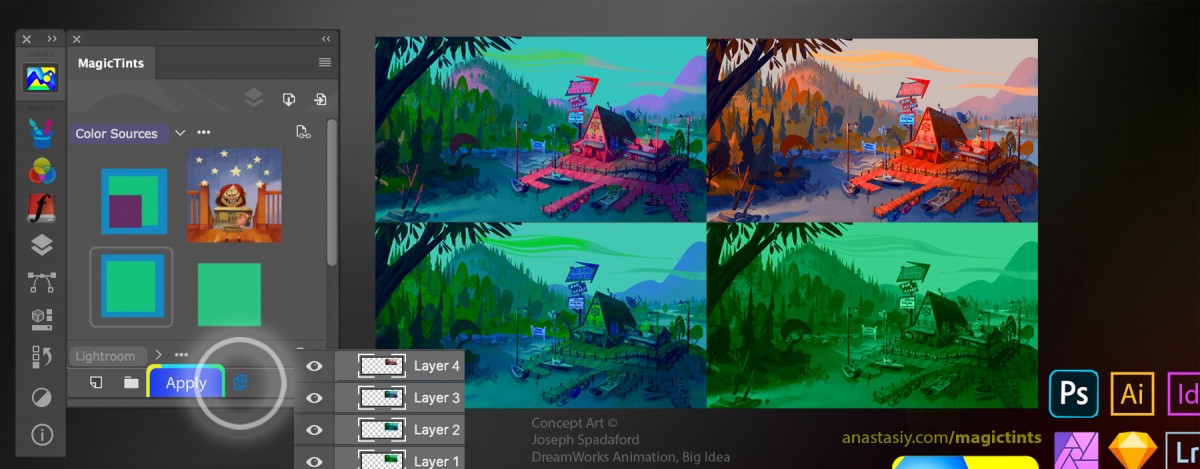
9 Articles MagicTints
-
Tip#91: New layers for color-matched images in MagicTints
 2532
2532 -
Tip#98: Adobe products not showing up in Anastasiy’s Extension Manager 6458
-
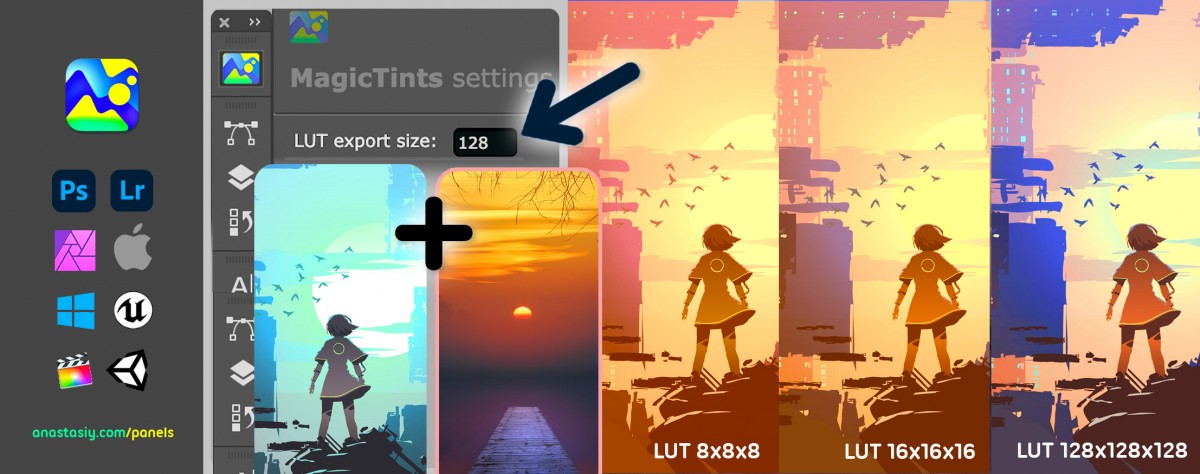
Tip#101: Create your own LUT from 1 target image for video/animation/primary color grading 5437
-
Tip#104: Match elements from different photos 🍭 in one click 4760
-
Tip#106: Bring multiple objects to same palette with MagicTints 1880
30 Articles
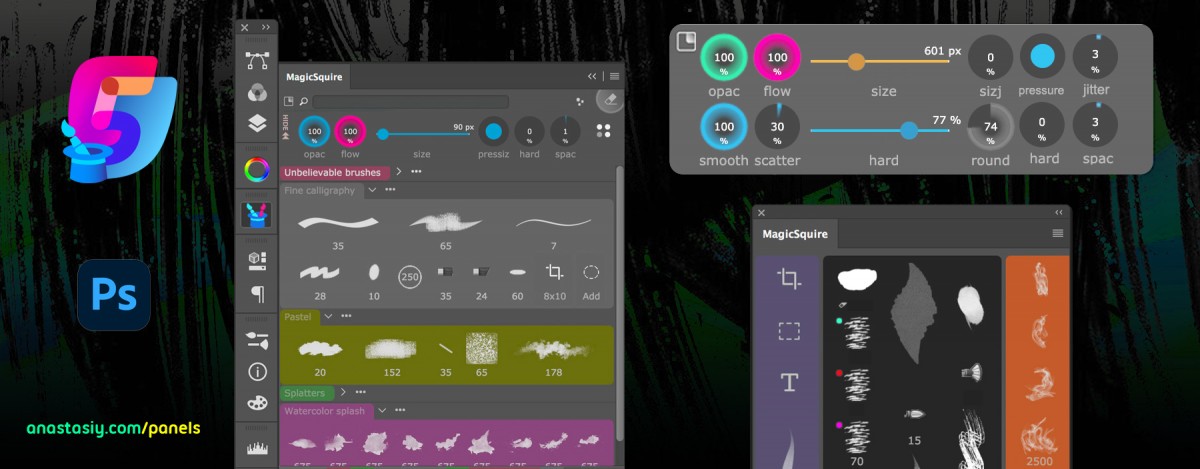
 MagicSquire
-
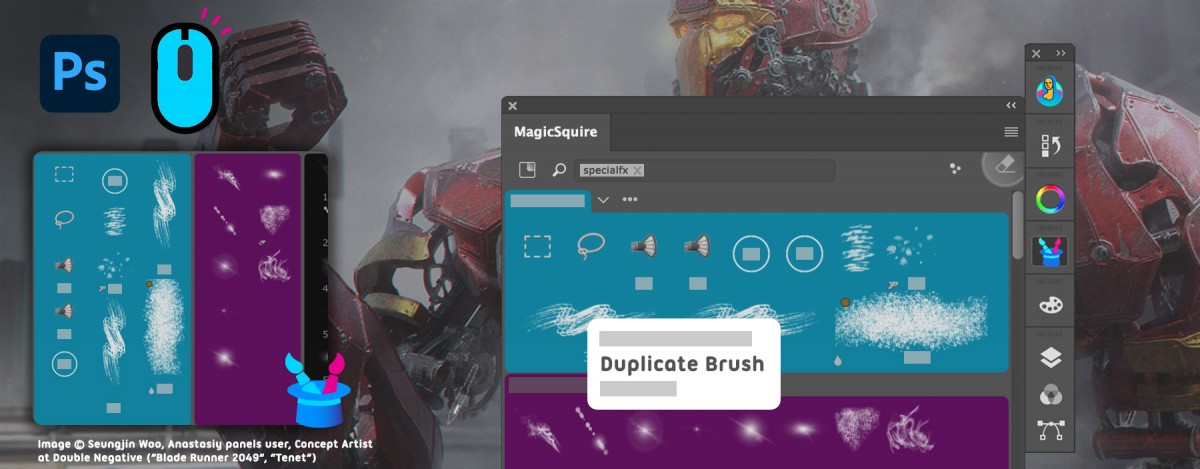
Tip#95: New MagicSquire’s right-click menu for brush presets 4620
-
Tip#96: Collections of groups of brushes with MagicSquire 2213
-
Tip#98: Adobe products not showing up in Anastasiy’s Extension Manager 6458
-
Tip#99: Quickly and silently add new brush/tool preset 2316
-
MagicSquire 2.0 video: Horizontal View, PRO Mode, Recent Tool History, Adding Shapes and Tool Presets 3799
72 Articles
 MagicPicker
16 Articles
Color Temperature
-
Tip#81: Color Wheel modes in MagicPicker 6 3534
-
MagicTints – Change lighting of any image, match one image’s colors to another, convert images to same colors 5847
-
Tip#89: Auto-update background/foreground color relationship when using eyedropper 4026
-
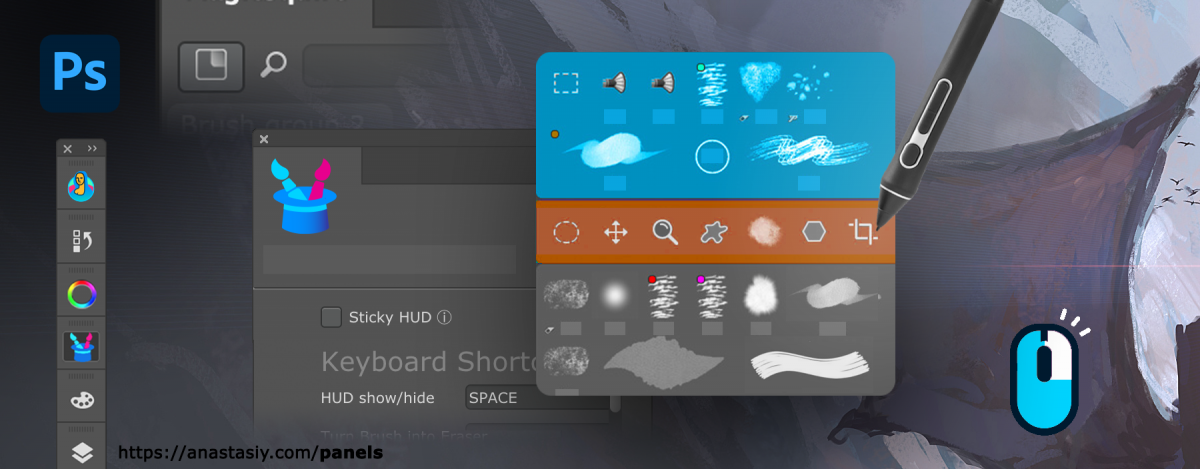
Tip#90: “Sticky” HUD (MagicPicker & MagicSquire) 6549
-
Tip#92: MagicPicker Color Wheel HUD in minimalistic mode 3544
28 Articles
Color Wheel Modes
37 Articles Customization
-
MagicSquire HUD, sticky brushes and new v4.0 features explained (video) 2708
-
Tip#98: Adobe products not showing up in Anastasiy’s Extension Manager 6458
-
Tip#100: Ways to activate full-featured color picking HUD 3043
-
Tip#105: What is HUD? 2745
-
MagicSquire 5.0 video: Brush Controls, mini-HUD, mass-tagging, mass-changing brush strokes, more! 5612
5 Articles
Shapes
-
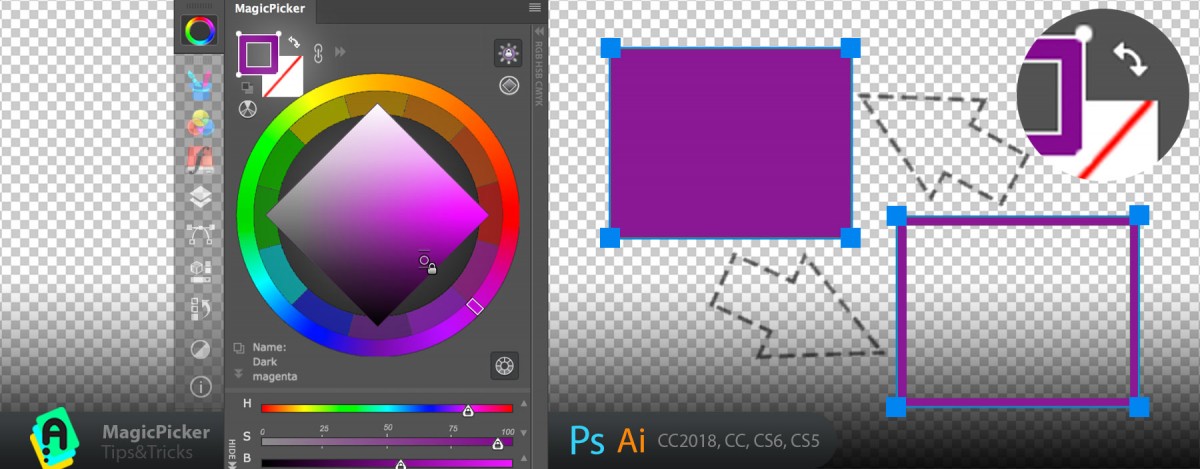
Tip#68: Exchange transparency with color with one click 4408
-
Tip#98: Adobe products not showing up in Anastasiy’s Extension Manager 6458
-
Tip#60: Adjust Color Temperature of multiple vector shapes at once in Adobe Photoshop & Adobe Illustrator. 4852
-
Tip#58: Assign transparent color to vector shapes in Photoshop and Illustrator 4639
-
Tip#57: Change Fill & Stroke of Shapes with one click in Photoshop 4243
28 Articles Keyboard Shortcuts
-
Tip#103: Ways to activate MagicSquire brush HUD popup under cursor 2730
-
Tip#105: What is HUD? 2745
-
Tip#70: Auto-complementary background color in Photoshop (Illustrator). 6226
-
Tip#110: Using MagicPicker Transparent and Crystal HUD modes 1841
-
Assign keyboard shortcuts to essential MagicPicker functions 6872
8 Articles Printing / Press
-
Tip#98: Adobe products not showing up in Anastasiy’s Extension Manager 6458
-
Tip#51: K-Lock in MagicPicker 4 7175
-
Tip#49: Traditional color wheel (RYB mode) 7132
-
Tip#43: Using MagicPicker’s automatic color correction in Illustrator 4007
-
Tip#55: The secret to printing brilliant uniform colors: using Tone Lock together with K-Lock in MagicPicker 4081
26 Articles Advanced
10 Articles
 Color swatches
12 Articles
Color mixing
-
Tip#91: New layers for color-matched images in MagicTints 2532
-
Tip#98: Adobe products not showing up in Anastasiy’s Extension Manager 6458
-
Tip#105: What is HUD? 2745
-
Tip#114: Multiple mixing fields in MixColors 1781
-
Tip#117: Quickly pick colors on foreground/background gradient slider with MagicPicker 4803
15 Articles
Color Schemes
-
Tip#79: Shift+Click to slightly adjust color in Photoshop 3234
-
Tip#81: Color Wheel modes in MagicPicker 6 3534
-
Tip#83: PRO Mode – clean, uncluttered panels in Photoshop and Illustrator 5921
-
Tip#90: “Sticky” HUD (MagicPicker & MagicSquire) 6549
-
Tip#98: Adobe products not showing up in Anastasiy’s Extension Manager 6458
33 Articles Menus
-
Tip#74: The simplest color wheel – MagicPicker in PRO Mode 5313
-
Tip#99: Quickly and silently add new brush/tool preset 2316
-
Assign keyboard shortcuts to essential MixColors functions 8262
-
Tip#100: Ways to activate full-featured color picking HUD 3043
-
Tip#78: Advanced Brush Stroke display in MagicSquire 6830
5 Articles Web Design
-
MagicSquire 3 video: work with brushes like never before in Photoshop! Tags, Keyboard Shortcuts, more 4394
-
Tip#98: Adobe products not showing up in Anastasiy’s Extension Manager 6458
-
Tip#56: New color spaces and current color name or color value on the corner of color wheel 3886
-
Panels Tips & Tricks. Tip#12: Copy hex value of color with one click! 3349
-
Tip#57: Change Fill & Stroke of Shapes with one click in Photoshop 4243
11 Articles
MixColors
-
Assign keyboard shortcuts to essential MixColors functions 8262
-
Tip#82: Use Compact Mode to speed up your creative work 3337
-
Tip#98: Adobe products not showing up in Anastasiy’s Extension Manager 6458
-
Tip#114: Multiple mixing fields in MixColors 1781
-
Tip#123: Quickly mix colors with Eyedropper in Photoshop 4331
2 Articles
 DiskFonts
3 Articles
 MagicRefs
1 Article Extension Manager
10 Articles Reference Images
-
Tip#104: Match elements from different photos 🍭 in one click 4760
-
Tip#106: Bring multiple objects to same palette with MagicTints 1880
-
What’s new in MagicTints 3 1555
-
Tip#113: Smart targeting of image areas with specific colors – MagicTints 1511
-
Tip#85: Insert reference image from MagicRefs into Photoshop Smart Object 5684