
 Extension Manager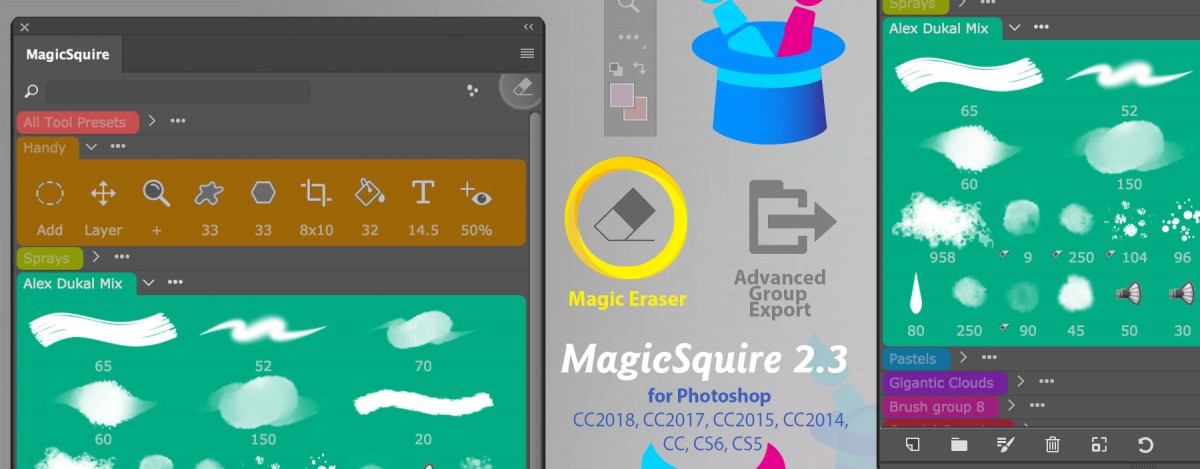
30 Articles
 MagicSquire
-
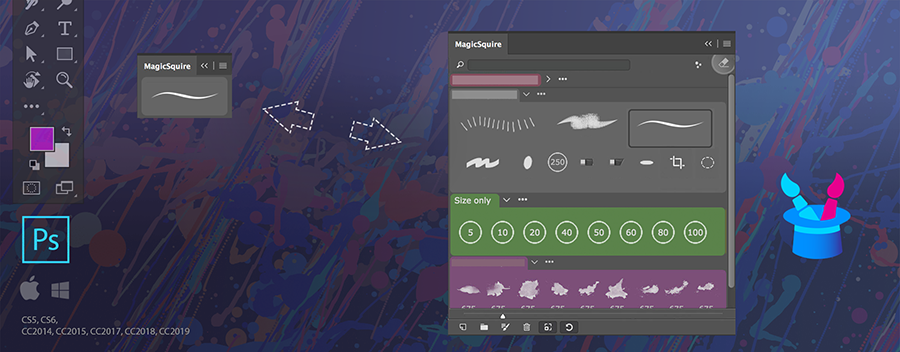
Tip#80: Compact Mode of MagicSquire
 2334
2334 -
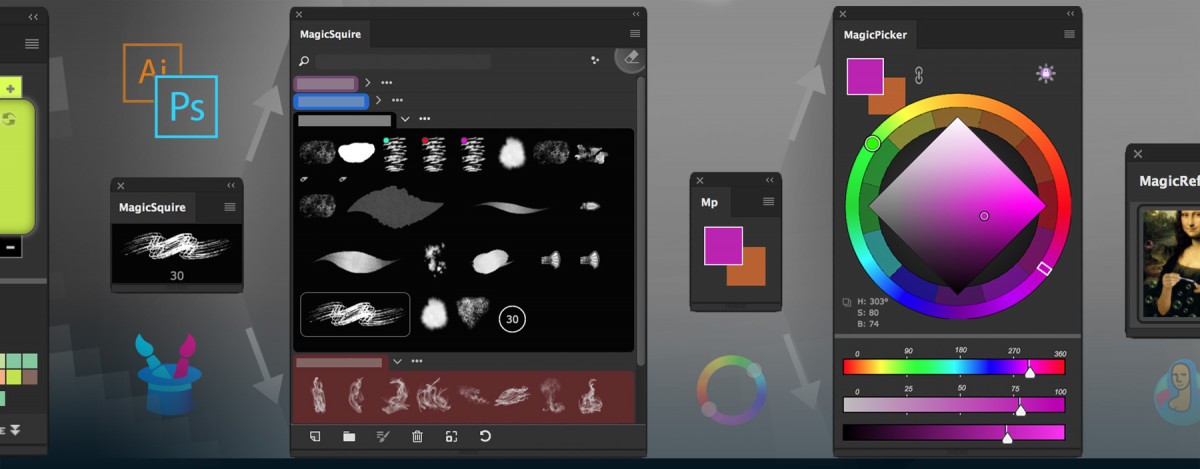
Tip#108: Have a set of Photoshop Brush parameters under your fingertips with MagicSquire 3391
-
Tip#82: Use Compact Mode to speed up your creative work 2784
-
Tip#111: Hide/Show new Photoshop Brush Controls in MagicSquire 1074
-
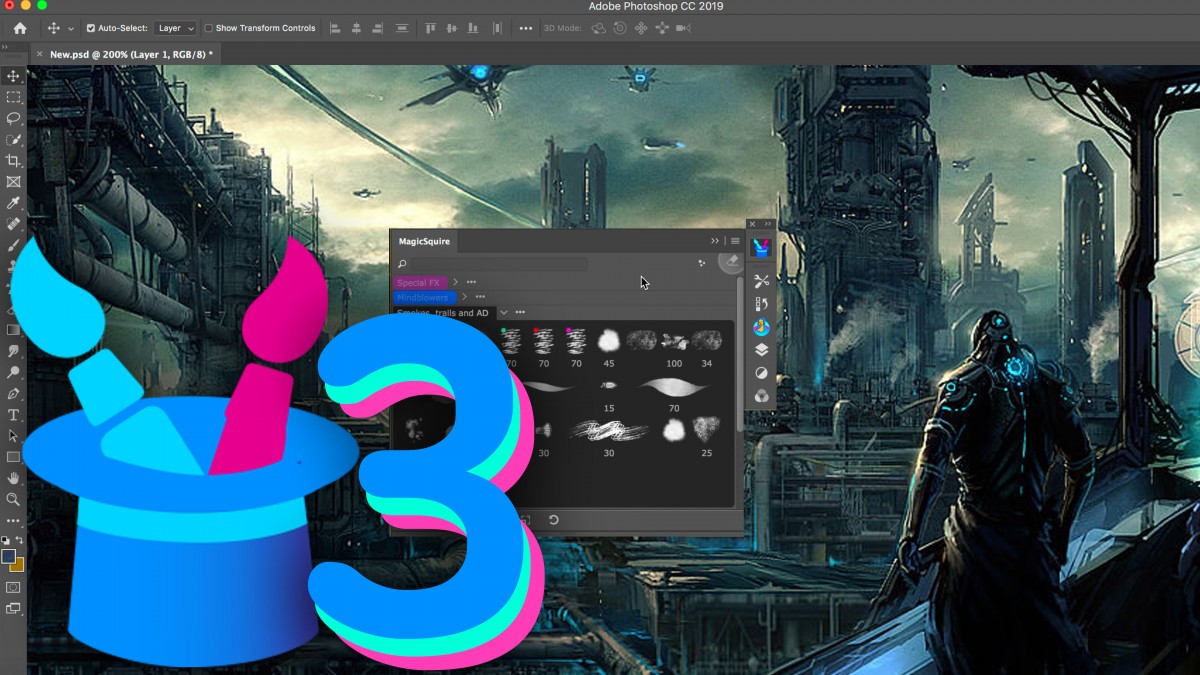
MagicSquire 3 video: work with brushes like never before in Photoshop! Tags, Keyboard Shortcuts, more 3846
9 Articles MagicTints
-
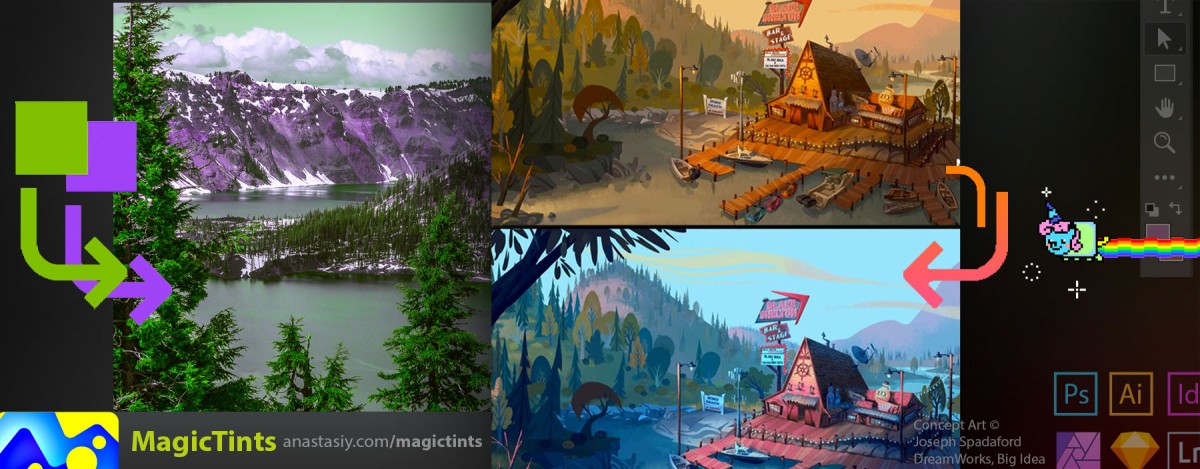
MagicTints – Change lighting of any image, match one image’s colors to another, convert images to same colors 5302
-
Tip#91: New layers for color-matched images in MagicTints 1992
-
Tip#98: Adobe products not showing up in Anastasiy’s Extension Manager 5566
-
Tip#101: Create your own LUT from 1 target image for video/animation/primary color grading 4883
-
Tip#104: Match elements from different photos 🍭 in one click 4207
72 Articles
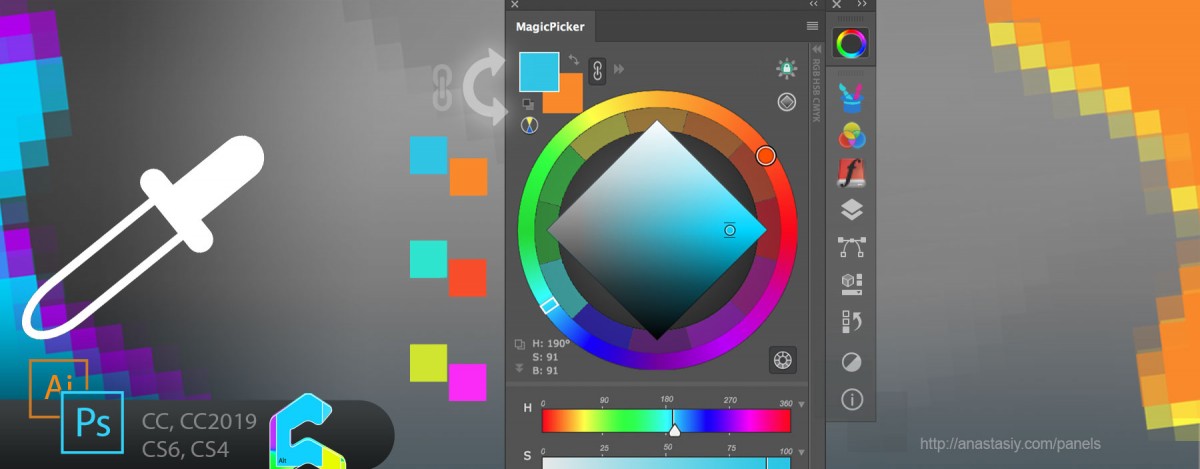
 MagicPicker
-
Tip#98: Adobe products not showing up in Anastasiy’s Extension Manager 5566
-
Tip#100: Ways to activate full-featured color picking HUD 2334
-
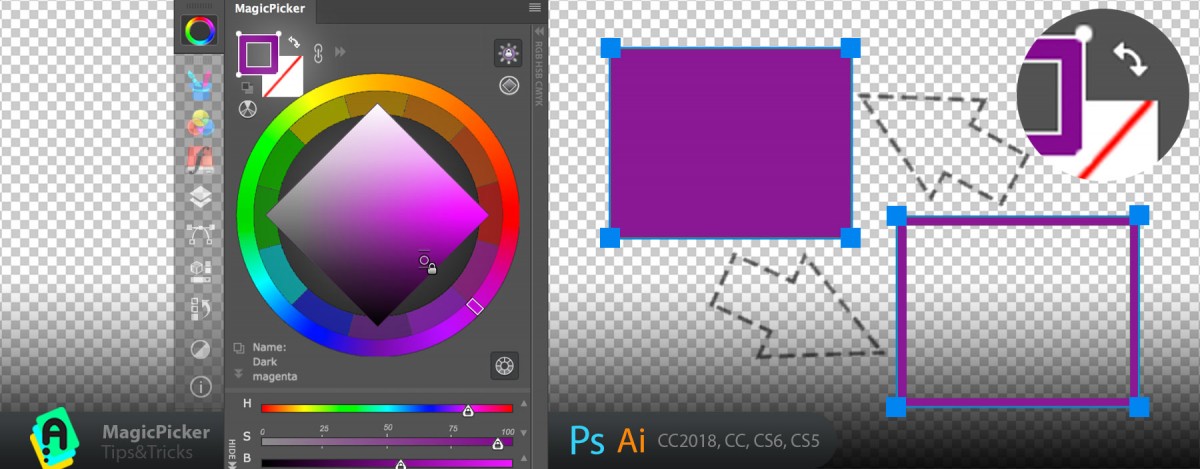
Tip#68: Exchange transparency with color with one click 3920
-
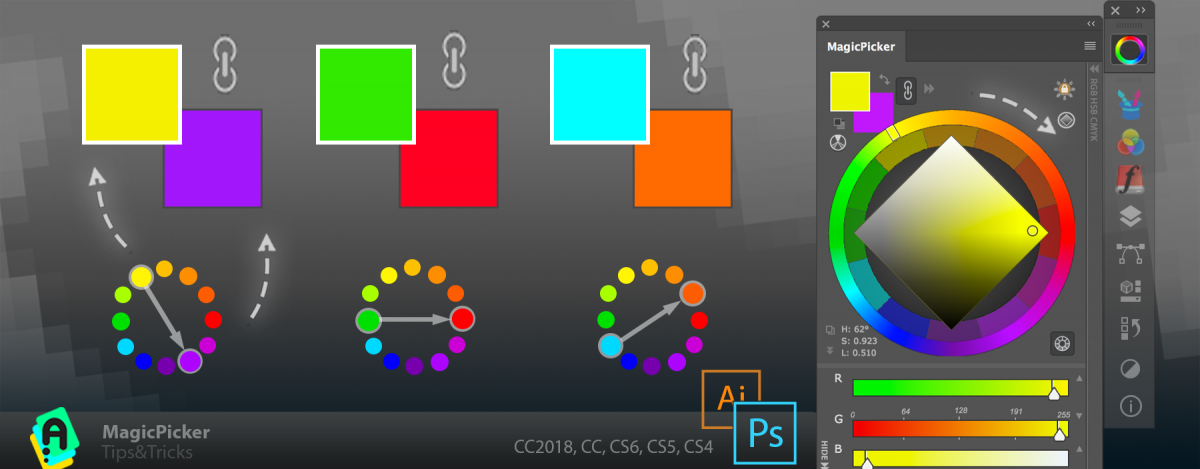
Tip#102: Adjust color relations in MagicPicker’s Color Schemes 1795
-
Tip#70: Auto-complementary background color in Photoshop (Illustrator). 5684
16 Articles
Color Temperature
-
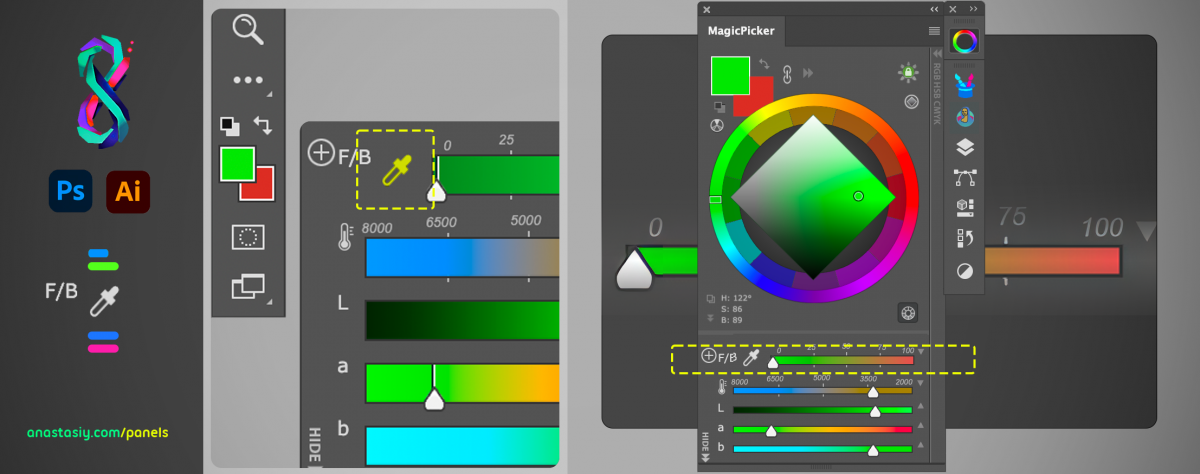
Tip#117: Quickly pick colors on foreground/background gradient slider with MagicPicker 4218
-
Tip#121: LDT Cube – quick color wheel picker based on color perception 1917
-
Tip#74: The simplest color wheel – MagicPicker in PRO Mode 4796
-
Tip#81: Color Wheel modes in MagicPicker 6 2959
-
MagicTints – Change lighting of any image, match one image’s colors to another, convert images to same colors 5302
28 Articles
Color Wheel Modes
37 Articles Customization
-
Tip#82: Use Compact Mode to speed up your creative work 2784
-
What’s new in MagicPicker 9 1927
-
MagicSquire 3 video: work with brushes like never before in Photoshop! Tags, Keyboard Shortcuts, more 3846
-
Tip#118: Color Wheel modes in MagicPicker 9 3513
-
Tip#83: PRO Mode – clean, uncluttered panels in Photoshop and Illustrator 5326
5 Articles
Shapes
-
Tip#68: Exchange transparency with color with one click 3920
-
Tip#98: Adobe products not showing up in Anastasiy’s Extension Manager 5566
-
Tip#60: Adjust Color Temperature of multiple vector shapes at once in Adobe Photoshop & Adobe Illustrator. 4302
-
Tip#58: Assign transparent color to vector shapes in Photoshop and Illustrator 4083
-
Tip#57: Change Fill & Stroke of Shapes with one click in Photoshop 3442
28 Articles Keyboard Shortcuts
-
Tip#89: Auto-update background/foreground color relationship when using eyedropper 3478
-
Tip#90: “Sticky” HUD (MagicPicker & MagicSquire) 5702
-
Tip#94: Resize Color Wheel HUD in Photoshop 4911
-
MagicSquire HUD, sticky brushes and new v4.0 features explained (video) 2097
-
Tip#96: Collections of groups of brushes with MagicSquire 1727
8 Articles Printing / Press
-
Tip#98: Adobe products not showing up in Anastasiy’s Extension Manager 5566
-
Tip#51: K-Lock in MagicPicker 4 6521
-
Tip#49: Traditional color wheel (RYB mode) 6478
-
Tip#43: Using MagicPicker’s automatic color correction in Illustrator 3474
-
Tip#55: The secret to printing brilliant uniform colors: using Tone Lock together with K-Lock in MagicPicker 3528
26 Articles Advanced
-
Tip#85: Insert reference image from MagicRefs into Photoshop Smart Object 5180
-
Tip#90: “Sticky” HUD (MagicPicker & MagicSquire) 5702
-
Tip#92: MagicPicker Color Wheel HUD in minimalistic mode 3010
-
MagicSquire HUD, sticky brushes and new v4.0 features explained (video) 2097
-
Tip#96: Collections of groups of brushes with MagicSquire 1727
10 Articles
 Color swatches
-
Tip#70: Auto-complementary background color in Photoshop (Illustrator). 5684
-
Tip#89: Auto-update background/foreground color relationship when using eyedropper 3478
-
Tip#90: “Sticky” HUD (MagicPicker & MagicSquire) 5702
-
Tip#97: Huge, big, GIANT color preview 4736
-
Tip#98: Adobe products not showing up in Anastasiy’s Extension Manager 5566
12 Articles
Color mixing
-
Tip#117: Quickly pick colors on foreground/background gradient slider with MagicPicker 4218
-
Tip#123: Quickly mix colors with Eyedropper in Photoshop 3828
-
MagicTints – Change lighting of any image, match one image’s colors to another, convert images to same colors 5302
-
Tip#89: Auto-update background/foreground color relationship when using eyedropper 3478
-
Tip#90: “Sticky” HUD (MagicPicker & MagicSquire) 5702
15 Articles
Color Schemes
-
Tip#70: Auto-complementary background color in Photoshop (Illustrator). 5684
-
Tip#74: The simplest color wheel – MagicPicker in PRO Mode 4796
-
Tip#75: Pantone Color Number display on the MagicPicker color wheel 2696
-
Tip#79: Shift+Click to slightly adjust color in Photoshop 2759
-
Tip#81: Color Wheel modes in MagicPicker 6 2959
33 Articles Menus
-
Tip#80: Compact Mode of MagicSquire 2334
-
MagicSquire 5.0 video: Brush Controls, mini-HUD, mass-tagging, mass-changing brush strokes, more! 5031
-
Tip#82: Use Compact Mode to speed up your creative work 2784
-
Tip#107: Adjust MagicSquire the way you want 1745
-
MagicSquire 3 video: work with brushes like never before in Photoshop! Tags, Keyboard Shortcuts, more 3846
5 Articles Web Design
-
MagicSquire 3 video: work with brushes like never before in Photoshop! Tags, Keyboard Shortcuts, more 3846
-
Tip#98: Adobe products not showing up in Anastasiy’s Extension Manager 5566
-
Tip#56: New color spaces and current color name or color value on the corner of color wheel 3326
-
Panels Tips & Tricks. Tip#12: Copy hex value of color with one click! 2934
-
Tip#57: Change Fill & Stroke of Shapes with one click in Photoshop 3442
11 Articles
MixColors
-
Assign keyboard shortcuts to essential MixColors functions 7174
-
Tip#82: Use Compact Mode to speed up your creative work 2784
-
Tip#98: Adobe products not showing up in Anastasiy’s Extension Manager 5566
-
Tip#114: Multiple mixing fields in MixColors 1311
-
Tip#123: Quickly mix colors with Eyedropper in Photoshop 3828
2 Articles
 DiskFonts
3 Articles
 MagicRefs
1 Article Extension Manager
10 Articles Reference Images
-
Tip#85: Insert reference image from MagicRefs into Photoshop Smart Object 5180
-
MagicTints – Change lighting of any image, match one image’s colors to another, convert images to same colors 5302
-
Tip#91: New layers for color-matched images in MagicTints 1992
-
Tip#93: Sync brushes & image assets in Photoshop using any cloud 2249
-
Tip#98: Adobe products not showing up in Anastasiy’s Extension Manager 5566