
 Extension Manager
 |
 |
 |
|
|
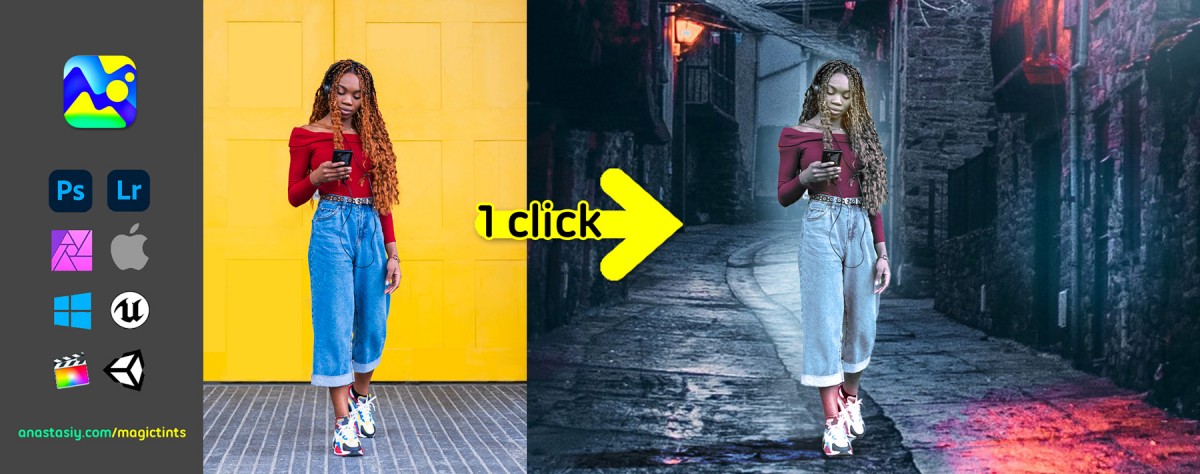
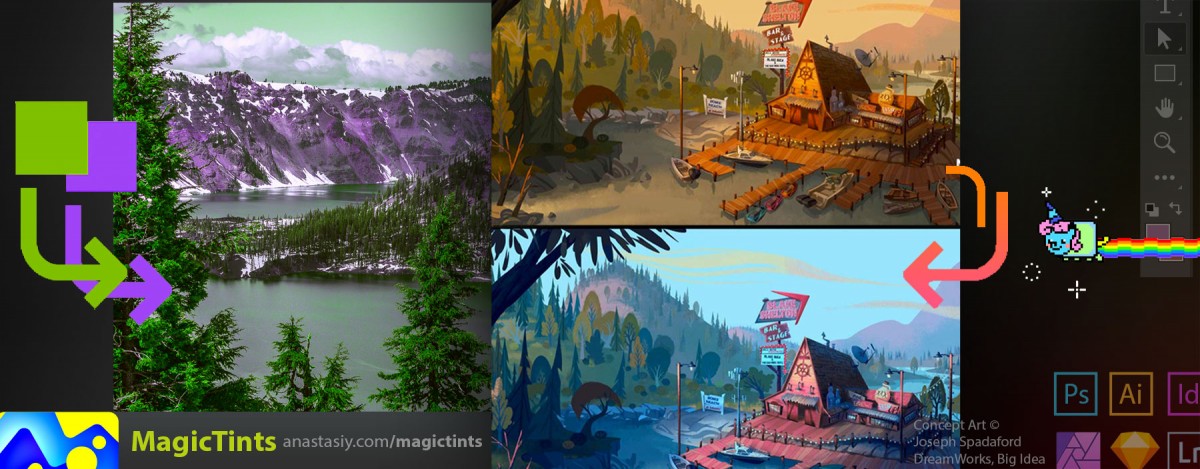
9 Articles MagicTints
-
Tip#104: Match elements from different photos 🍭 in one click
 4929
-
Tip#106: Bring multiple objects to same palette with MagicTints 2094
-
Tip#112: Adjust LUT export precision in MagicTints 2479
-
What’s new in MagicTints 3 1781
-
Tip#113: Smart targeting of image areas with specific colors – MagicTints 1707
30 Articles
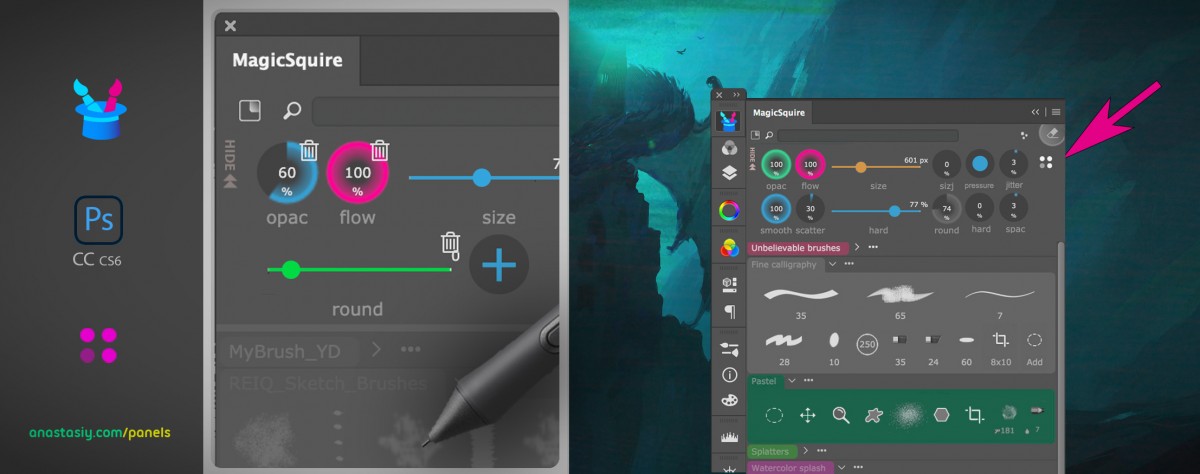
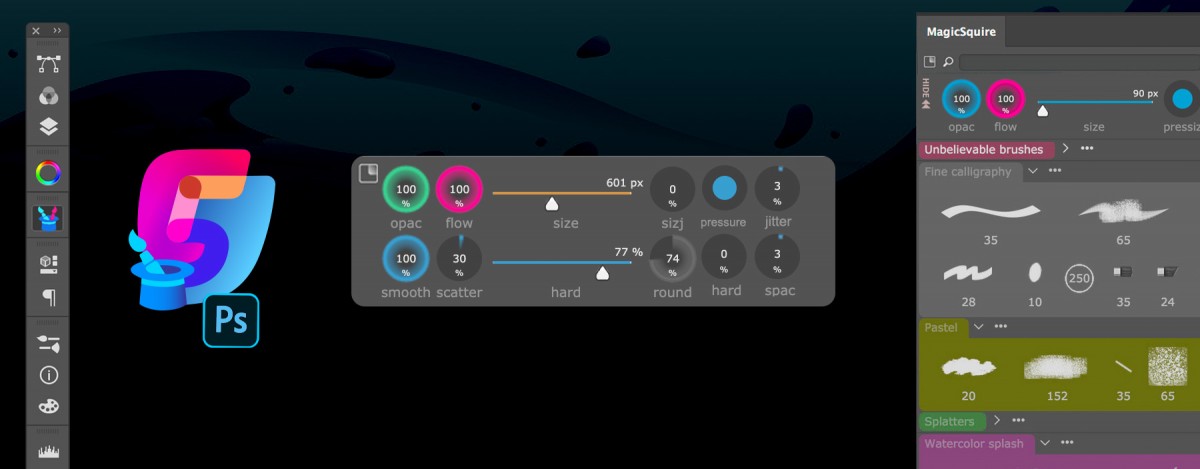
 MagicSquire
-
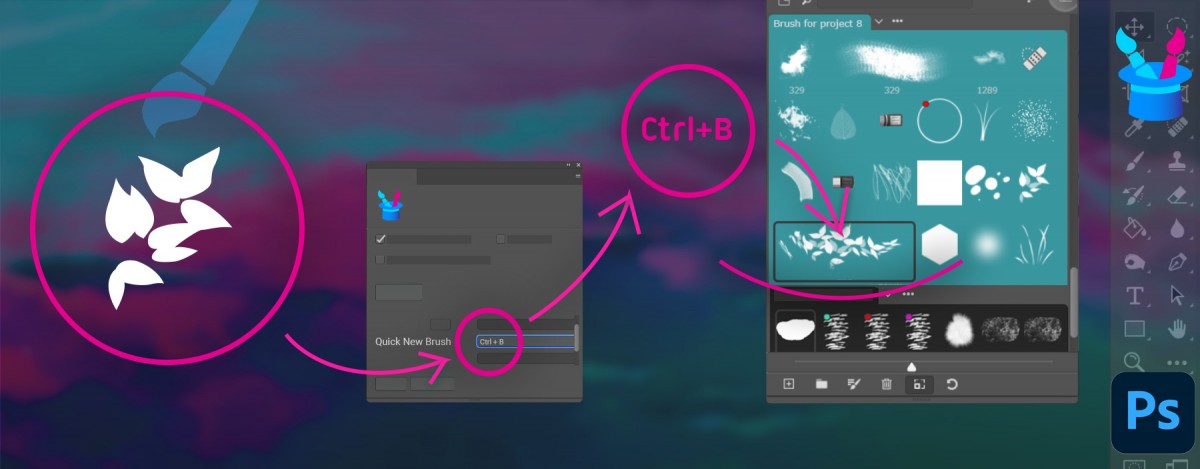
Tip#99: Quickly and silently add new brush/tool preset 2546
-
MagicSquire 2.0 video: Horizontal View, PRO Mode, Recent Tool History, Adding Shapes and Tool Presets 3989
-
Tip#103: Ways to activate MagicSquire brush HUD popup under cursor 2939
-
Tip#69: Delete or collapse MagicSquire group with presets 3710
-
Tip#105: What is HUD? 3069
74 Articles
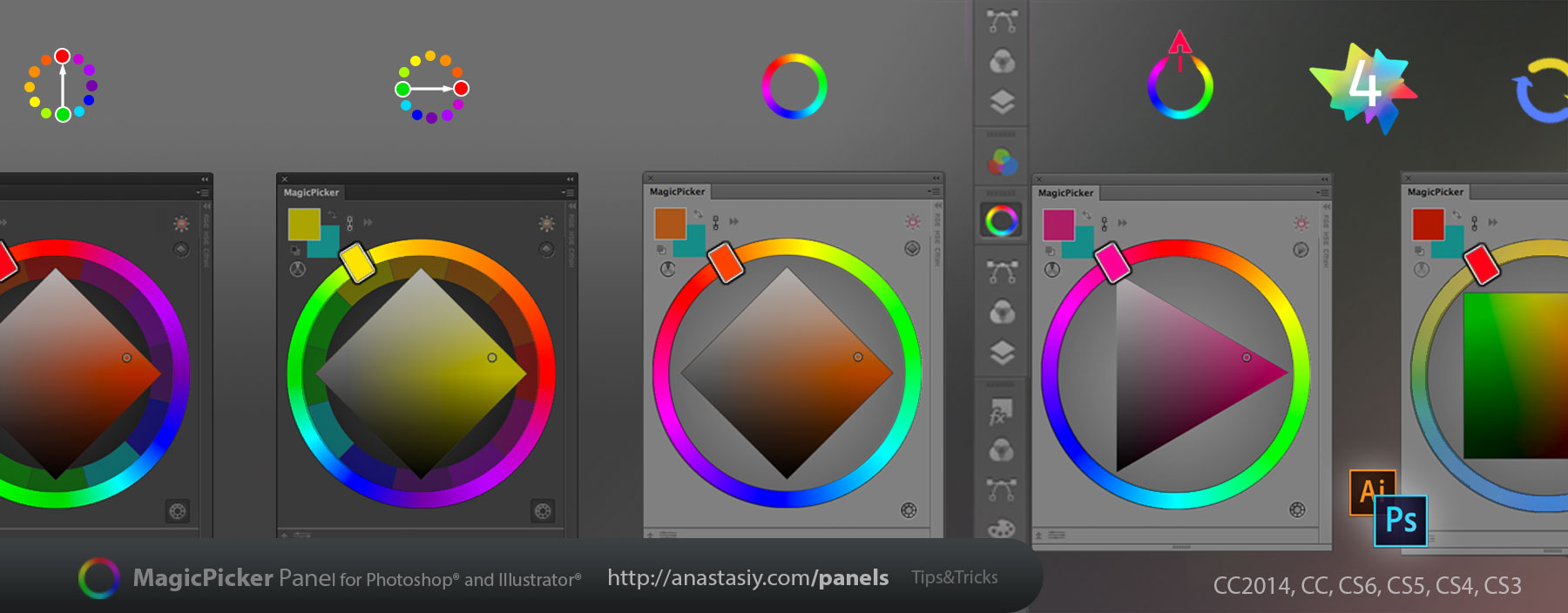
 MagicPicker
-
Tip#83: PRO Mode – clean, uncluttered panels in Photoshop and Illustrator 6163
-
Tip#119: See and compare HUGE preview of current eyedropper color in Photoshop 2070
-
Tip#89: Auto-update background/foreground color relationship when using eyedropper 4261
-
Tip#120: Input values and 🎯 snap rulers for color sliders in MagicPicker 2595
-
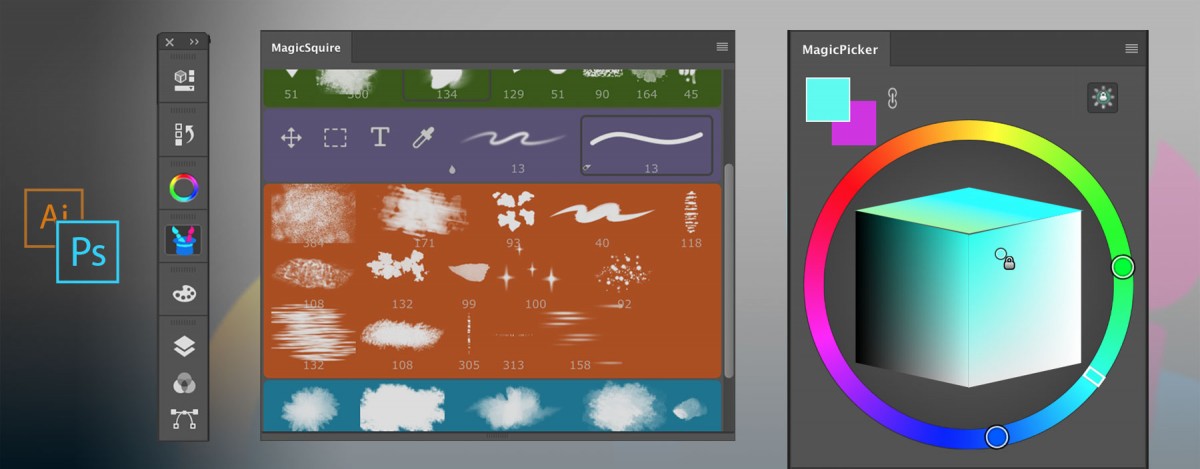
Tip#90: “Sticky” HUD (MagicPicker & MagicSquire) 6985
16 Articles
Color Temperature
-
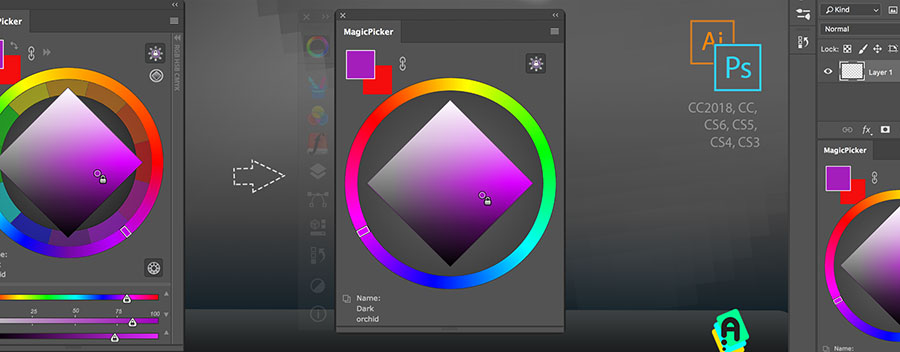
Tip#74: The simplest color wheel – MagicPicker in PRO Mode 5549
-
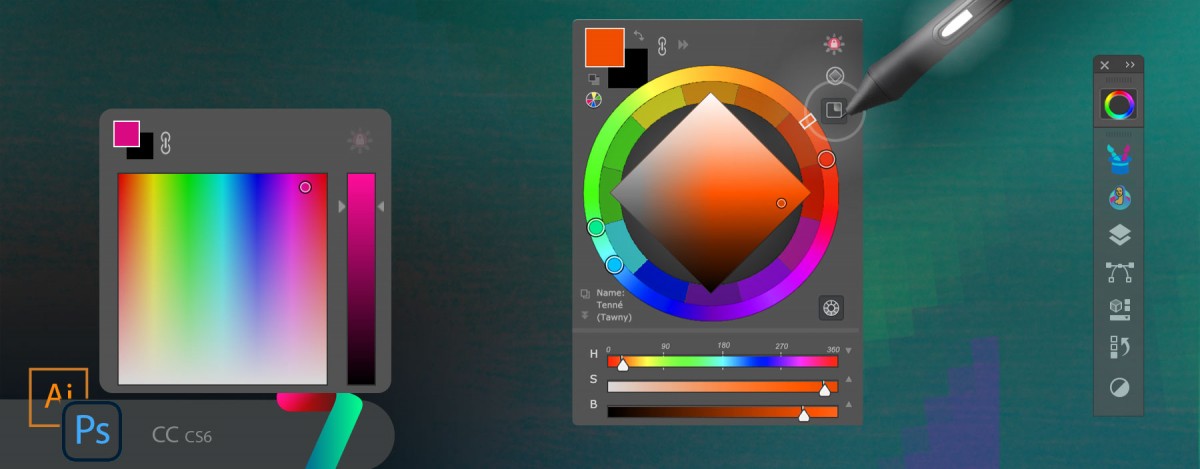
Tip#81: Color Wheel modes in MagicPicker 6 3801
-
MagicTints – Change lighting of any image, match one image’s colors to another, convert images to same colors 6137
-
Tip#89: Auto-update background/foreground color relationship when using eyedropper 4261
-
Tip#90: “Sticky” HUD (MagicPicker & MagicSquire) 6985
29 Articles
Color Wheel Modes
39 Articles Customization
-
MagicTints – Change lighting of any image, match one image’s colors to another, convert images to same colors 6137
-
MagicSquire 7: What’s new (with video tutorial) 5293
-
Tip#90: “Sticky” HUD (MagicPicker & MagicSquire) 6985
-
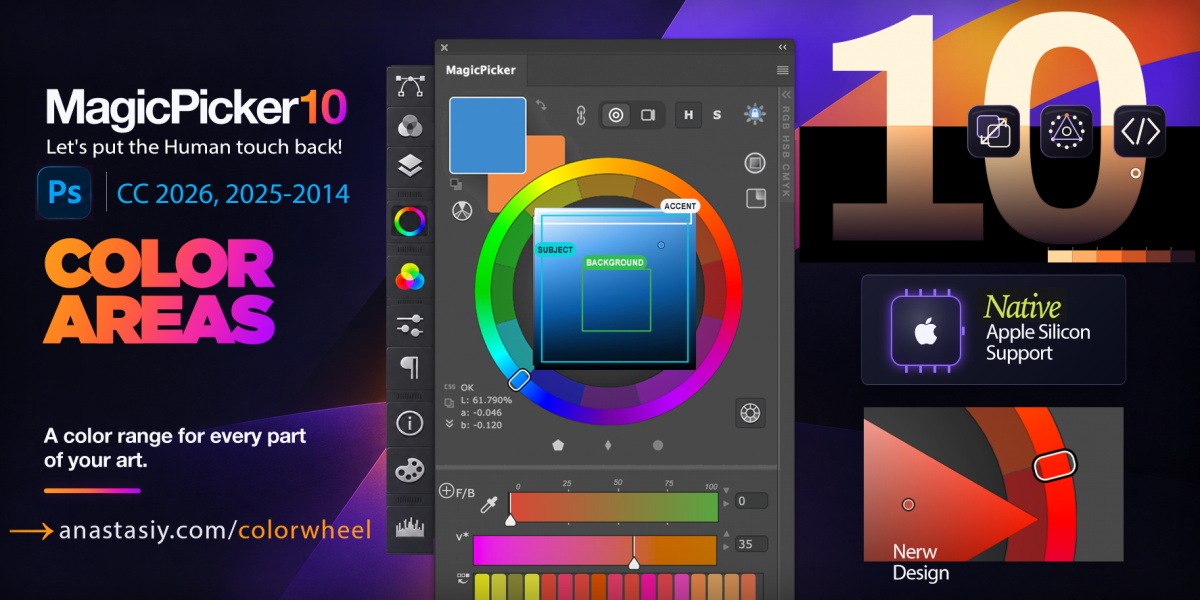
What’s new in MagicPicker 10 139
-
MagicSquire HUD, sticky brushes and new v4.0 features explained (video) 2973
5 Articles
Shapes
-
Tip#98: Adobe products not showing up in Anastasiy’s Extension Manager 7267
-
Tip#68: Exchange transparency with color with one click 4621
-
Tip#60: Adjust Color Temperature of multiple vector shapes at once in Adobe Photoshop & Adobe Illustrator. 5125
-
Tip#58: Assign transparent color to vector shapes in Photoshop and Illustrator 4929
-
Tip#57: Change Fill & Stroke of Shapes with one click in Photoshop 4637
29 Articles Keyboard Shortcuts
-
Tip#101: Create your own LUT from 1 target image for video/animation/primary color grading 5659
-
Tip#102: Adjust color relations in MagicPicker’s Color Schemes 2603
-
Tip#103: Ways to activate MagicSquire brush HUD popup under cursor 2939
-
Tip#105: What is HUD? 3069
-
Tip#70: Auto-complementary background color in Photoshop (Illustrator). 6434
8 Articles Printing / Press
-
Tip#98: Adobe products not showing up in Anastasiy’s Extension Manager 7267
-
Tip#51: K-Lock in MagicPicker 4 7428
-
Tip#49: Traditional color wheel (RYB mode) 7408
-
Tip#43: Using MagicPicker’s automatic color correction in Illustrator 4262
-
Tip#55: The secret to printing brilliant uniform colors: using Tone Lock together with K-Lock in MagicPicker 4319
27 Articles Advanced
11 Articles
 Color swatches
12 Articles
Color mixing
-
Tip#89: Auto-update background/foreground color relationship when using eyedropper 4261
-
Tip#90: “Sticky” HUD (MagicPicker & MagicSquire) 6985
-
Tip#91: New layers for color-matched images in MagicTints 2768
-
Tip#98: Adobe products not showing up in Anastasiy’s Extension Manager 7267
-
Tip#105: What is HUD? 3069
15 Articles
Color Schemes
-
Tip#74: The simplest color wheel – MagicPicker in PRO Mode 5549
-
Tip#75: Pantone Color Number display on the MagicPicker color wheel 3482
-
Tip#79: Shift+Click to slightly adjust color in Photoshop 3469
-
Tip#81: Color Wheel modes in MagicPicker 6 3801
-
Tip#83: PRO Mode – clean, uncluttered panels in Photoshop and Illustrator 6163
34 Articles Menus
-
Tip#68: Exchange transparency with color with one click 4621
-
Tip#95: New MagicSquire’s right-click menu for brush presets 4825
-
Tip#69: Delete or collapse MagicSquire group with presets 3710
-
Tip#98: Adobe products not showing up in Anastasiy’s Extension Manager 7267
-
Tip#74: The simplest color wheel – MagicPicker in PRO Mode 5549
5 Articles Web Design
-
Tip#98: Adobe products not showing up in Anastasiy’s Extension Manager 7267
-
MagicSquire 3 video: work with brushes like never before in Photoshop! Tags, Keyboard Shortcuts, more 4647
-
Tip#56: New color spaces and current color name or color value on the corner of color wheel 4129
-
Panels Tips & Tricks. Tip#12: Copy hex value of color with one click! 3548
-
Tip#57: Change Fill & Stroke of Shapes with one click in Photoshop 4637
11 Articles
MixColors
-
Assign keyboard shortcuts to essential MixColors functions 8722
-
Tip#82: Use Compact Mode to speed up your creative work 3598
-
Tip#98: Adobe products not showing up in Anastasiy’s Extension Manager 7267
-
Tip#114: Multiple mixing fields in MixColors 2009
-
Tip#123: Quickly mix colors with Eyedropper in Photoshop 4569
2 Articles
 DiskFonts
3 Articles
 MagicRefs
1 Article Extension Manager
10 Articles Reference Images
-
Tip#98: Adobe products not showing up in Anastasiy’s Extension Manager 7267
-
Tip#101: Create your own LUT from 1 target image for video/animation/primary color grading 5659
-
Tip#104: Match elements from different photos 🍭 in one click 4929
-
Tip#106: Bring multiple objects to same palette with MagicTints 2094
-
What’s new in MagicTints 3 1781